


Securing a strong digital presence starts long before clients walk through your doors. For law firm managers and partners throughout the United States, claiming and optimizing a Google Business Profile is a vital step in building credibility and attracting new cases. Knowing precisely which documents to provide and how to verify your firm’s legitimacy can make or break your online reputation. This guide outlines every crucial detail you need for a professional and effective business profile, from gathering official business registration documents to choosing the right verification method.
Table of Contents
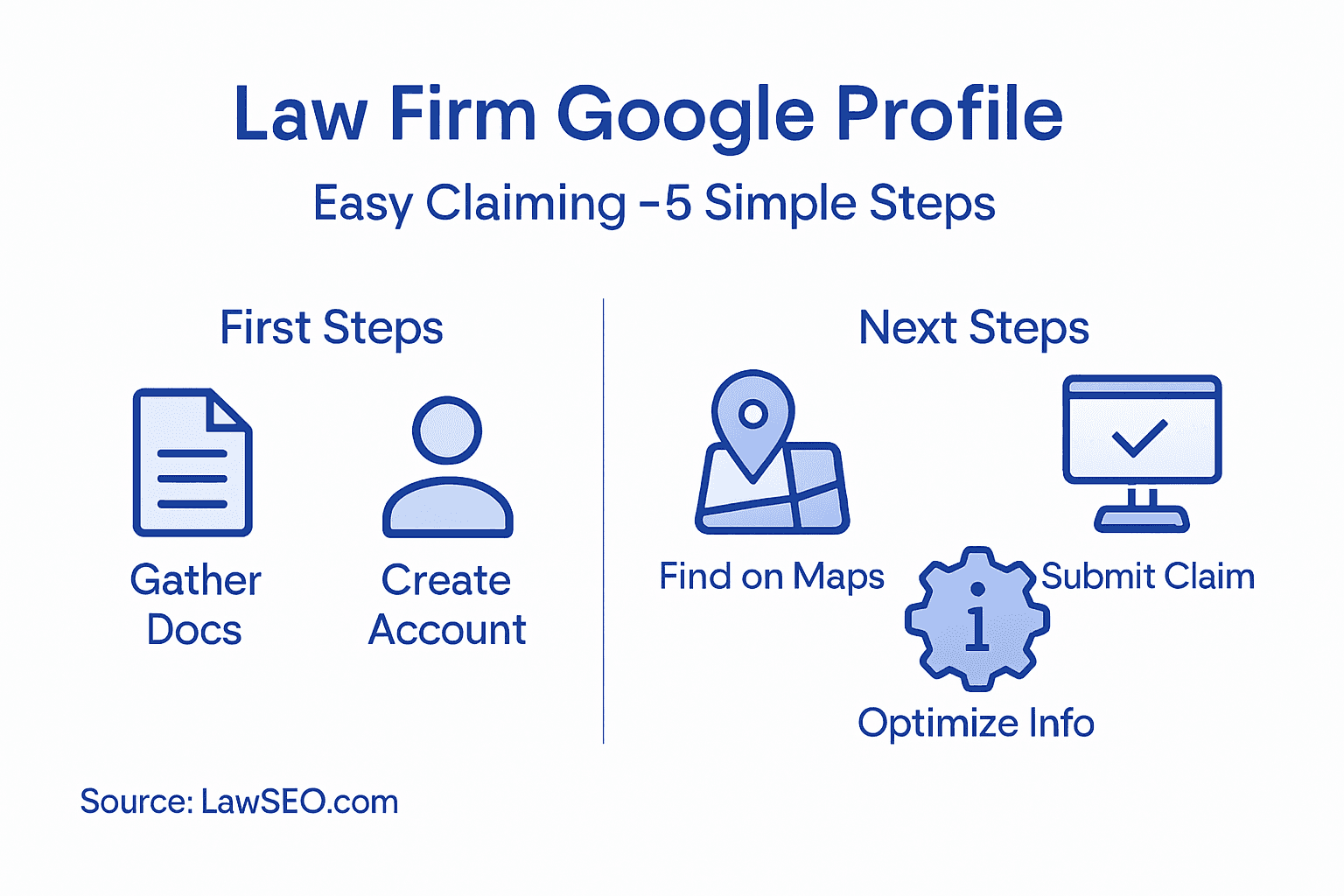
- Step 1: Gather Required Law Firm Information
- Step 2: Access or Create a Google Account
- Step 3: Locate Your Law Firm on Google Maps
- Step 4: Submit Claim and Verify Ownership
- Step 5: Optimize and Update Your Business Profile
Quick Summary
| Key Point | Explanation |
|---|---|
| 1. Assemble Required Documents | Gather official business registration and ownership documents to verify your law firm’s legitimacy for Google Business Profile claiming. |
| 2. Create a Professional Google Account | Use a dedicated email representing your law firm to create a Google Account, enabling effective management of your online presence. |
| 3. Verify Your Location on Google Maps | Search for your firm on Google Maps to ensure accurate representation and correct any discrepancies in your business information. |
| 4. Submit Ownership Verification | File a comprehensive request to verify ownership of your Google Business Profile using required documentation to manage your listing. |
| 5. Optimize Your Business Profile | Regularly update your profile with accurate details and engaging content to enhance visibility and attract potential clients. |
Step 1: Gather Required Law Firm Information
Claiming your Google Business Profile requires systematic preparation and precise documentation. Before starting the verification process, you’ll need to collect critical business information that establishes your law firm’s legal and operational legitimacy.
Start by assembling key documents that prove your firm’s official status. This includes gathering official business registration documents, such as state bar registration certificates, articles of incorporation, or partnership agreements. Collect proof of business ownership that clearly demonstrates your legal right to represent the firm online. These documents are essential for verifying your business profile and preventing potential ownership disputes.
Here are the specific documents and information you’ll need to compile:
- Official business name exactly as registered
- State bar registration number
- Primary business address
- Law firm’s legal structure (LLC, Partnership, Corporation)
- Tax identification number
- Contact information for primary business representative
- Professional licensing details
Preparing these documents in advance streamlines the Google Business Profile claiming process and reduces potential verification delays. Having a comprehensive documentation package demonstrates your firm’s professionalism and commitment to accurate online representation.
Pro tip: Create a digital folder with all required documents scanned in high resolution to expedite the verification process and have backup copies readily available.
Step 2: Access or Create a Google Account
To successfully claim your law firm’s Google Business Profile, you’ll need a dedicated Google Account that serves as the primary management platform for your online business presence. This account will be your gateway to verifying and controlling your firm’s digital representation.

The process of creating a Google account involves several straightforward steps. Navigate to the Google Account signup page and prepare to enter your business or personal information. You’ll want to use an email address that represents your law firm professionally – ideally something like yourfirmname@gmail.com or a primary contact’s professional email.
Here are the key steps to create your Google Account:
- Visit accounts.google.com
- Click “Create Account” or “Sign Up”
- Enter your first and last name
- Choose a professional email address
- Create a strong, unique password
- Provide optional recovery email and phone number
- Verify your account through the confirmation email
When setting up your account, use a consistent email that you’ll regularly monitor. This ensures you don’t miss important verification communications or updates about your Google Business Profile.
Pro tip: Consider using a dedicated firm email address that can be transferred between administrators if staff changes occur, maintaining consistent account management.
Step 3: Locate Your Law Firm on Google Maps
Locating your law firm on Google Maps is a critical step in establishing your online presence and making it easy for potential clients to find you. The process involves verifying your firm’s current digital representation and ensuring accuracy across online platforms.
Start by searching for your law firm’s name and address in Google Maps. Legal directories can help confirm your listing and provide additional verification of your firm’s details. Check that your firm’s name, address, phone number, and practice areas are correctly displayed.
Here are key steps to locate and verify your law firm’s Google Maps presence:
- Open Google Maps in a web browser
- Type your law firm’s exact name
- Verify the current address and contact information
- Check for existing Google Business Profile
- Note any discrepancies in firm details
- Cross-reference with state bar association listings
- Screenshot current listing for reference
If your law firm does not appear in Google Maps or has incorrect information, you’ll need to take additional steps to claim and update your listing. Accurate representation is crucial for client discovery and maintaining professional credibility.
Accurate online location information is essential for client trust and professional visibility.
Pro tip: Use multiple sources like state bar directories and Google Maps to cross-validate your firm’s online location information for maximum accuracy.
Step 4: Submit Claim and Verify Ownership
Submitting a claim and verifying ownership of your law firm’s Google Business Profile represents the most critical step in establishing your online presence. This process determines your ability to manage and update your firm’s digital representation across Google’s platforms.
To begin, you’ll need to submit a comprehensive ownership verification request through the Google Business Profile dashboard. The verification process requires presenting official documentation that proves your legal authority to represent the firm. Verification methods typically include:
- Mail verification
- Phone verification
- Email verification
- Instant verification (for eligible businesses)
Each verification method demands specific documentation demonstrating your firm’s legal status. You’ll need to prepare:
Here’s a comparison of Google Business Profile verification methods and their key considerations:
| Verification Method | Typical Requirements | Processing Time | Best For |
|---|---|---|---|
| Mail Verification | Physical office address, mail handling | 5-14 days | Firms with a stable location |
| Phone Verification | Direct phone line, public listing | Minutes to 1 day | Firms with accessible main numbers |
| Email Verification | Email matching firm’s domain | Minutes to 1 day | Firms with domain email setup |
| Instant Verification | Existing verified Google Search Console | Immediate | Firms with established Google profiles |
- Official business registration documents
- State bar association membership certificates
- Partnership agreements
- Employer identification number (EIN)
- Professional licensing credentials
Pay close attention to the specific requirements for your verification method. Some approaches might require additional documentation or multiple steps to complete the process.
Accurate and comprehensive documentation is essential for successful Google Business Profile ownership verification.
Pro tip: Scan and digitize all required documents before starting the verification process to streamline submission and prevent potential delays.
Step 5: Optimize and Update Your Business Profile
Optimizing your Google Business Profile is crucial for attracting potential clients and improving your law firm’s online visibility. A well-maintained profile can significantly enhance your digital marketing strategy and search engine performance.
To effectively optimize your online business profile, focus on providing comprehensive and accurate information about your law firm. This includes selecting the most appropriate business categories, writing a compelling business description, and ensuring all contact details are current and precise. Important optimization elements include:
- Complete all profile sections thoroughly
- Use high-quality, professional images of your law office
- Write a detailed service description
- Select the most relevant business categories
- Include your specialization areas
- Add your business hours
- Upload recent professional photos
- Highlight unique firm attributes
Regular updates and active engagement are key to maintaining an effective Google Business Profile. Respond promptly to client reviews, share relevant updates about your legal services, and ensure your information remains current and accurate.
The following table summarizes profile optimization actions and their business impact:
| Optimization Action | Expected Benefit | Effort Level |
|---|---|---|
| Add professional photos | Increased client trust | Moderate |
| Update service description | Improved profile relevance | Low |
| Regularly check business hours | Enhanced accuracy in search | Low |
| Respond to client reviews | Better reputation management | Ongoing |
| Highlight firm specialties | Attract targeted clients | Moderate |
Consistent and accurate profile information builds trust with potential clients and improves search engine visibility.
Pro tip: Schedule a quarterly review of your Google Business Profile to ensure all information remains current and reflects your law firm’s most recent services and achievements.
Take Full Control of Your Law Firm’s Google Business Profile Today
Claiming and verifying your Google Business Profile can feel complicated with all the required official documents and detailed verification steps. From gathering state bar registrations to providing accurate location details, the process demands precision to ensure your law firm shines online. If managing these essential steps feels overwhelming or if you want to optimize your profile for maximum client impact, there is a trusted solution.
At LawSEO.com, we specialize in empowering law firms like yours. Our founder-led team understands the unique challenges of law firm marketing and guides you seamlessly through claiming, verifying, and optimizing your Google Business Profile. With comprehensive local SEO, content creation, and AI-driven marketing strategies, we help you drive more leads and outshine competitors. Don’t let verification delays or profile gaps hold your firm back. Visit LawSEO.com now and start turning your verified profile into a powerful client magnet. Ready for expert support and online dominance? Explore how we can help you at LawSEO.com and claim your firm’s rightful place in search results today.
Frequently Asked Questions
What documents do I need to claim my law firm’s Google Business Profile?
To claim your law firm’s Google Business Profile, you need several official documents including your business registration documents, state bar registration number, and contact information. Gather these documents in advance to simplify the claiming process and reduce verification delays.
How can I create a Google Account for my law firm?
To create a Google Account for your law firm, visit the Google Account signup page and fill in your professional information, including a business email address. Make sure to use a consistent email you will regularly monitor, which helps ensure you receive important updates about your Google Business Profile.
How can I verify my law firm’s location on Google Maps?
To verify your law firm’s location on Google Maps, search for your firm’s name and address directly in Google Maps. Check that all details, including your address and contact information, are accurate, and take screenshots of your listing for future reference if corrections are needed.
What are the steps for submitting a claim to verify ownership of my Google Business Profile?
To submit a claim and verify your ownership, use the Google Business Profile dashboard to request verification. Depending on your chosen method—mail, phone, email, or instant verification—prepare the necessary documents and follow the corresponding instructions to complete the process.
How can I optimize my Google Business Profile effectively?
To optimize your Google Business Profile, ensure all sections are complete, including writing a detailed description of your law firm and uploading high-quality images. Regularly update your profile and respond to client reviews to enhance your visibility and build trust with potential clients.
How often should I review my Google Business Profile information?
You should review your Google Business Profile information at least quarterly to ensure that all details remain current and accurately reflect your law firm’s services. Regular checks help maintain your professional image and improve client engagement.