


Conversion tracking on legal websites means measuring the specific actions visitors take that signal genuine client interest: phone calls, contact form submissions, and live chat engagements. Unlike e-commerce, where a purchase confirms intent, law firms deal in consultations and retained cases, so tracking these signals accurately is the foundation of any meaningful legal marketing tracking program. Get this wrong, and every dollar you spend on Google Ads optimizes toward the wrong outcome.
What counts as a conversion on a legal website:
- Phone calls (filtered by duration to exclude wrong numbers and hang-ups)
- Contact form submissions requesting a consultation
- Live chat engagements that progress beyond a greeting
- Booked consultations confirmed through intake scheduling tools
- Click-to-call events on mobile pages
What conversions should your law firm actually track?
Not every phone call or form fill represents a qualified lead, and that distinction drives the entire logic of law firm conversion metrics. A personal injury firm receiving many calls per month may find that a substantial portion represent genuine prospective clients, while the rest are wrong numbers, existing clients, or non-leads. The rest are wrong numbers, existing clients checking status, or callers who immediately realize they need a different practice area.
The primary conversion types worth tracking:
- Phone calls over a defined duration threshold (discussed in detail in the advanced section below)
- Completed contact form submissions that include a case description or consultation request
- Live chat sessions that reach a substantive exchange, not just an automated greeting
- Offline conversions such as booked intake appointments, fed back into your tracking system via CRM integration
Conversion value differs sharply across these types. A completed form submission from someone describing a serious personal injury case carries far more weight than a two-sentence chat inquiry. Tracking raw volume without qualifying the data produces a misleading picture of your marketing performance. The goal is measuring client acquisition activity, not website activity.
How to set up conversion tracking on a law firm website

Setting up accurate conversion tracking requires coordinating Google Analytics, a call tracking service, and your intake or CRM system. Each layer captures a different signal, and they work together to give you a complete view of your legal website ROI analysis.
Google Analytics setup
- Create a Google Analytics 4 property for your law firm website if you have not already.
- Define conversion events in GA4: mark “generate_lead” events (form submissions) and phone click events as conversions under Admin > Events > Mark as Conversion.
- Link your GA4 property to Google Ads under Admin > Google Ads Links to pass conversion data back to your ad campaigns.
- Set up Goal funnels for multi-step contact forms so you can identify where visitors drop off before submitting.
Call tracking setup
- Choose a call tracking platform that captures UTM parameters, gclid, and fbclid alongside each call record. Tools like CallScaler capture form and call attribution using the same tracking script, consolidating all lead data in one dashboard.
- Configure a call duration filter. Set your primary conversion action to count only calls over 60 seconds in duration, which best represent qualified consultation inquiries.
- Install dynamic number insertion (DNI) on your website so the tracking number swaps based on the visitor’s traffic source, preserving source attribution.
- Forward call data to your CRM via webhook or direct integration.
Privacy compliance and consent
Legal websites face layered compliance obligations before tracking any visitor interaction. GDPR applies if you serve European visitors; CCPA applies to California residents; and TCPA governs how you collect consent for autodialed or prerecorded calls. Under FCC rules effective January 2025, one-to-one consent is required, meaning a single web form consent no longer authorizes contact from multiple companies. Your consent language must name your firm specifically.
Practical compliance steps:
- Add an unchecked consent checkbox to every lead capture form with clear disclosure language naming your firm.
- Implement a consent verification tool such as TrustedForm or a comparable certificate solution to document when and how consent was given.
- Display a cookie consent banner that allows visitors to opt out of analytics tracking before any data is collected.
- Review your privacy policy to reflect your use of call tracking, form tracking, and third-party analytics tools.
CRM integration
Integrating conversion data with your client intake CRM closes the loop between online lead signals and actual case outcomes. When a form submission or tracked call flows directly into your CRM, your intake team can log whether that lead became a consultation and whether the consultation converted to a retained client. That feedback loop is what lets you refine your tracking thresholds over time based on real intake data rather than assumptions.

How to review conversion data and improve your legal marketing
Raw conversion reports tell you what happened. Interpreting them correctly tells you what to do next. The most common mistake law firms make is reviewing dashboard conversion counts without separating qualified leads from junk interactions.
Start with cost per qualified lead, not cost per conversion. If your Google Ads account counts every phone call as a conversion, your reported cost per conversion will look artificially low. Your intake team will tell a different story. Align your marketing metrics with intake outcomes by reviewing a sample of tracked calls each month and confirming how many resulted in booked consultations.
Common issues to troubleshoot:
- All calls counted regardless of duration: misconfigured conversion actions cause Google’s Smart Bidding to optimize toward junk calls, inflating reported volume while degrading actual lead quality.
- Broad match keywords attracting irrelevant traffic: review your Search Terms report weekly and add negatives aggressively.
- Generic landing pages across all practice areas: a personal injury visitor clicking a “car accident lawyer” ad needs to land on a page specific to that case type, not your firm’s homepage.
- No intake feedback loop: if your marketing team never hears from intake about call quality, tracking thresholds never get refined.
Once your data is clean, use it to guide budget allocation across practice areas, adjust bidding strategies, and identify which landing pages convert visitors at the highest rate. Measuring website performance across these dimensions gives you a factual basis for every marketing decision rather than relying on gut instinct. Well-structured conversion signals also enable Google Ads smart bidding to find the right searchers rather than the cheapest clicks.
Why qualified signal optimization separates good legal tracking from great
Most law firm marketing programs track conversions. Far fewer track the right conversions. The difference between the two determines whether your Google Ads budget finds genuine prospective clients or generates a steady stream of wrong numbers and quick hang-ups.
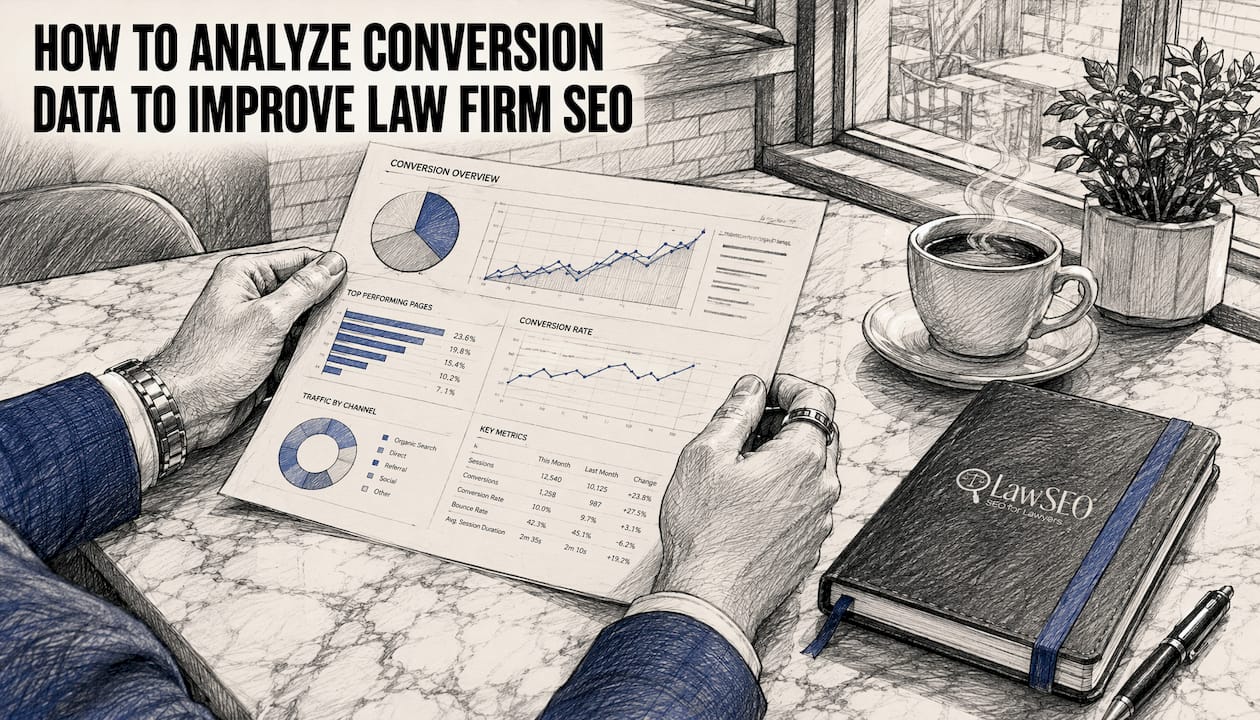
The core principle is straightforward: optimize for qualified signals, not raw conversion volume. A law firm that counts every phone call as a conversion gives Google’s algorithm permission to chase any call, including the ones that waste your intake team’s time. Filtering by call duration is the most direct fix.
Calls under 30 seconds are almost universally unqualified in legal: wrong numbers, immediate hang-ups, or callers who realize within seconds they reached the wrong firm. Setting a 60-second minimum threshold aligns your conversion data with calls that represent genuine consultation inquiries, based on intake data from firms that have validated this threshold against their own case outcomes. Some firms with longer intake scripts set the bar at 90 seconds.
Pro Tip: Review a sample of 50–100 recorded intake calls and note the duration at which callers begin describing their case in detail. That duration is your threshold. Set it in your call tracking platform and apply it as the filter for your primary Google Ads conversion action.
Benefits of qualified signal optimization:
- Google’s Smart Bidding algorithm learns to find searchers who stay on the line, not just searchers who call
- Cost per qualified lead drops even if reported conversion volume appears to decrease initially
- Intake team time shifts toward genuine prospective clients rather than junk calls
- Campaign performance data reflects actual business outcomes, making budget decisions defensible
Lawseo’s conversion rate optimization work for attorneys is built around exactly this principle: measuring what matters, not what is easy to count. Law firms that align their tracking setup with qualified intake signals consistently see better returns from their paid search investment than those optimizing on raw call volume.
Key Takeaways
Accurate conversion tracking on legal websites requires filtering for qualified signals, not just counting every call or form fill.
| Point | Details |
|---|---|
| Define qualified conversions | Count phone calls over 60 seconds and completed consultation form submissions as primary conversion actions. |
| Comply before you track | TCPA one-to-one consent rules effective January 2025 require named-firm disclosure on every lead capture form. |
| Connect tracking to your CRM | Feed call and form data into your intake CRM to validate which leads become actual consultations. |
| Fix tracking before using Smart Bidding | Clean conversion signals let Google Ads optimize toward real leads; junk signals teach the algorithm to find more junk. |
| Review qualified lead cost, not conversion count | Cost per qualified lead is the metric that reflects actual marketing ROI for law firms. |
