

Originally published December 24, 2025. Updated October 31, 2026.

What is Google Business Profile? It is Google’s free tool for eligible businesses to manage their information on Search and Maps, including their location, services and contact options.
For a law firm, its practical job is to help someone decide whether they have found the right practice and how to reach it. Start with an accurate, eligible profile and a working contact route. Then evaluate whether the people finding it become suitable inquiries.
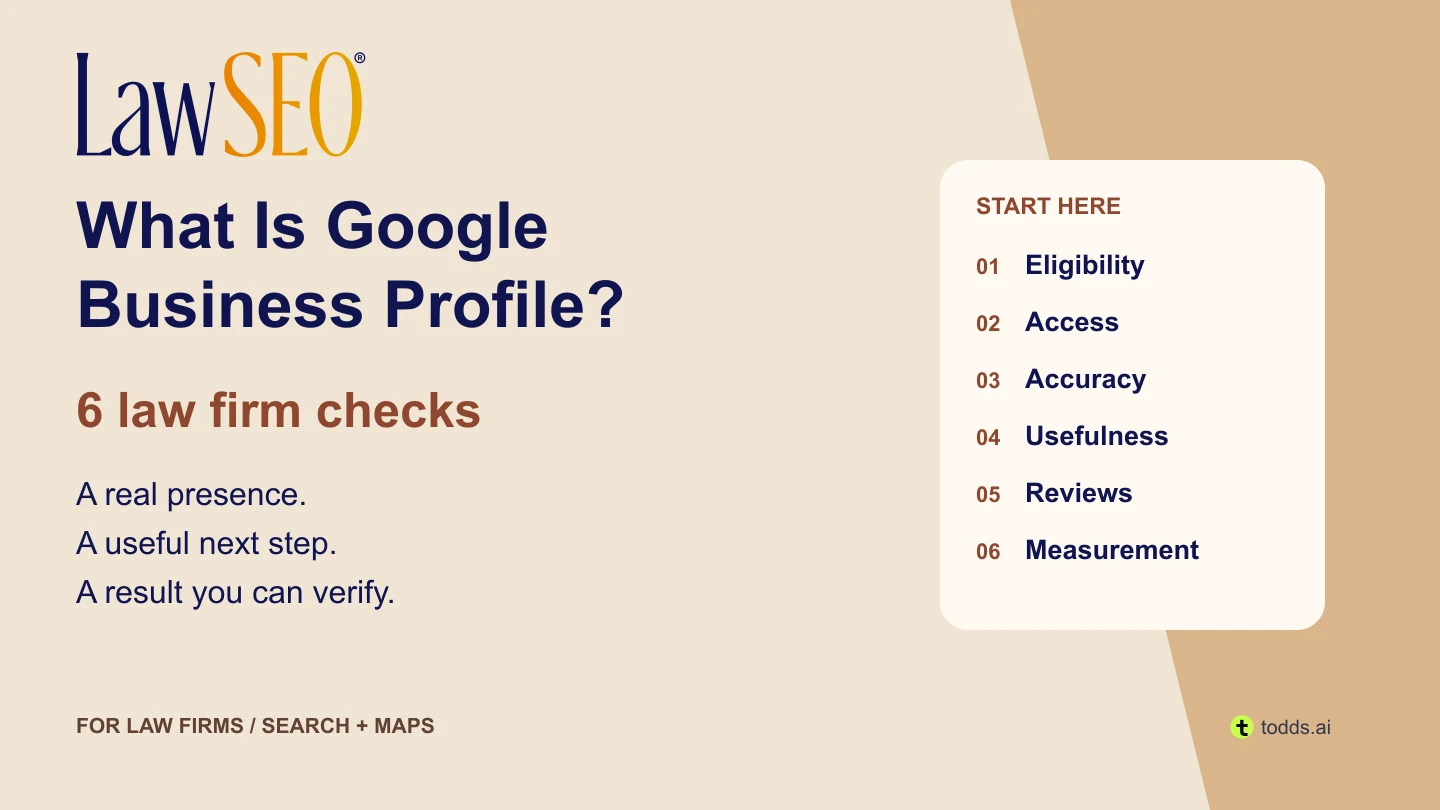
Google’s getting-started guidance explains the profile’s place on Search and Maps. It complements your website; it does not replace the fuller explanation of your services, attorneys and next steps. Put the work into your broader law firm SEO strategy.
1. Check the office and practitioner structure first
An attractive profile cannot fix an ineligible business model. Google’s eligibility rules require in-person customer contact, with limited exceptions that do not make an online-only law practice eligible. Establish how and where the firm actually meets people before choosing a profile type.
A rented mailing address where the firm does not operate is ineligible. A co-working office needs clear signage, customer reception and the firm’s own staff during business hours. Those conditions come from Google’s representation guidelines; a suite number alone is insufficient.
A firm that actually visits clients can evaluate the service-area rules. If it does not serve customers at its business address, that address should be hidden. A service area describes where the business serves people; adding a city is not evidence of an office there.
| Situation | Google’s distinction | Your evidence task |
|---|---|---|
| Several attorneys at one office | The organization and qualifying public-facing practitioners may have separate profiles. Practitioner names should exclude the organization. | Confirm each person’s role and direct contact at that location during stated hours. |
| One public-facing practitioner at a branded location | Google recommends one shared profile using the brand and practitioner name. | Check the real structure before creating a second listing. |
| One attorney with several specializations | Separate specializations do not justify multiple practitioner profiles. | Describe genuine services within the appropriate profile. |
Record an unresolved eligibility question as a hold. Do not use a competitor’s address or listing arrangement as proof that yours qualifies. For a wider review of office representation and advertising claims, use our ethical SEO checks.
2. Keep ownership and verification clear
Search for the existing listing before creating another. If another account controls the correct profile, use Google’s ownership-request process. For a storefront or hybrid business, that process begins with requesting access to the existing listing. Google directs service-area businesses without a physical shop or office to its support route. A missing password is an access problem, not a reason to create a duplicate.
Google chooses the verification methods available to that business. They can include phone, email, video or mail; more than one method may be required. A postcard is not available to every business. Follow the options actually presented and keep verification codes private.
Give the firm a durable ownership record: profile URL, primary owner, authorized managers, recovery responsibility and the date access was last checked. Use individual access rather than circulate a shared password. Before changing providers, confirm that the firm retains control and that departing personnel lose only the access they no longer need. Google’s ownership guidance describes roles and temporary limitations for new owners.
3. Describe the real practice, not a keyword wish list
Use the real-world business name without extra promotional terms. Check the address, contact destination and applicable hours against an approved office record. Google distinguishes regular customer-facing hours from appointment-only operation, for which it says hours should not be provided. A round-the-clock answering service does not by itself establish office hours. Have the office manager resolve discrepancies before marketing distributes them.
Choose the most specific available primary category that describes the business, with only relevant additional categories. Google says categories affect local ranking, but they are not a field for every keyword. Category changes may require verification again. Check the available category list rather than inventing a label.
Useful acceptance check: have someone unfamiliar with the profile compare it with the firm’s approved information sheet. Can they identify the correct practice and reach the correct office? Capture discrepancies individually, with an owner and a proposed correction. Keep private access details out of that sheet.
4. Make the next step useful and testable
Review the profile as a prospective client would. Does the website link open a relevant, working page for that actual office? Does that page explain the service and an appropriate way to contact the firm? Have the responsible team test the route using approved test details, then verify that the inquiry reaches the intended person.
Use current, authorized imagery that helps people recognize the business or understand the service. Do not make generated artwork appear to document a real office. Keep client files and private information outside the frame. A clear photograph of an actual entrance can answer a practical question that a decorative graphic cannot.
Google’s post guidance supports updates with images and an action button linking to a useful destination. A firm might summarize a newly reviewed article and link to the full explanation. Check the correct location, wording, image crop, destination and final post status. A pending post is not yet visible to customers.
Our content marketing guide explains how to adapt one article for different channels without losing its qualifications. Set a cadence around useful, approved material. Do not promise that a posting frequency will buy a better map position.
5. Treat reviews as public communications
Google requires genuine experience and prohibits incentives, discouraging negative reviews and selectively requesting positive ones. Its review policy is different from the professional rules that apply to a law firm. Have the responsible attorney approve the request and response process for the relevant jurisdictions.
Keep participation voluntary. Do not write the review for someone, prescribe its rating or use a reward for an “honest” review. Google’s reply guidance also calls for protecting privacy. Route sensitive or disputed responses to the firm’s reviewer before posting; a marketing template cannot determine what the firm may disclose.
Assign an owner to watch for reviews and unresolved responses. Record the approved reply, approver, date and actual public result. If a policy issue is reported, keep the case open until the platform’s outcome is known. A submitted report is not proof that a review was removed.
6. Separate profile activity from acquired clients
Google’s performance documentation defines calls as clicks on the profile’s call button, and website clicks as clicks on its website link. Neither confirms an answered call, a qualified inquiry or a signed matter. Available metrics vary, and performance data can include Google Ads activity.
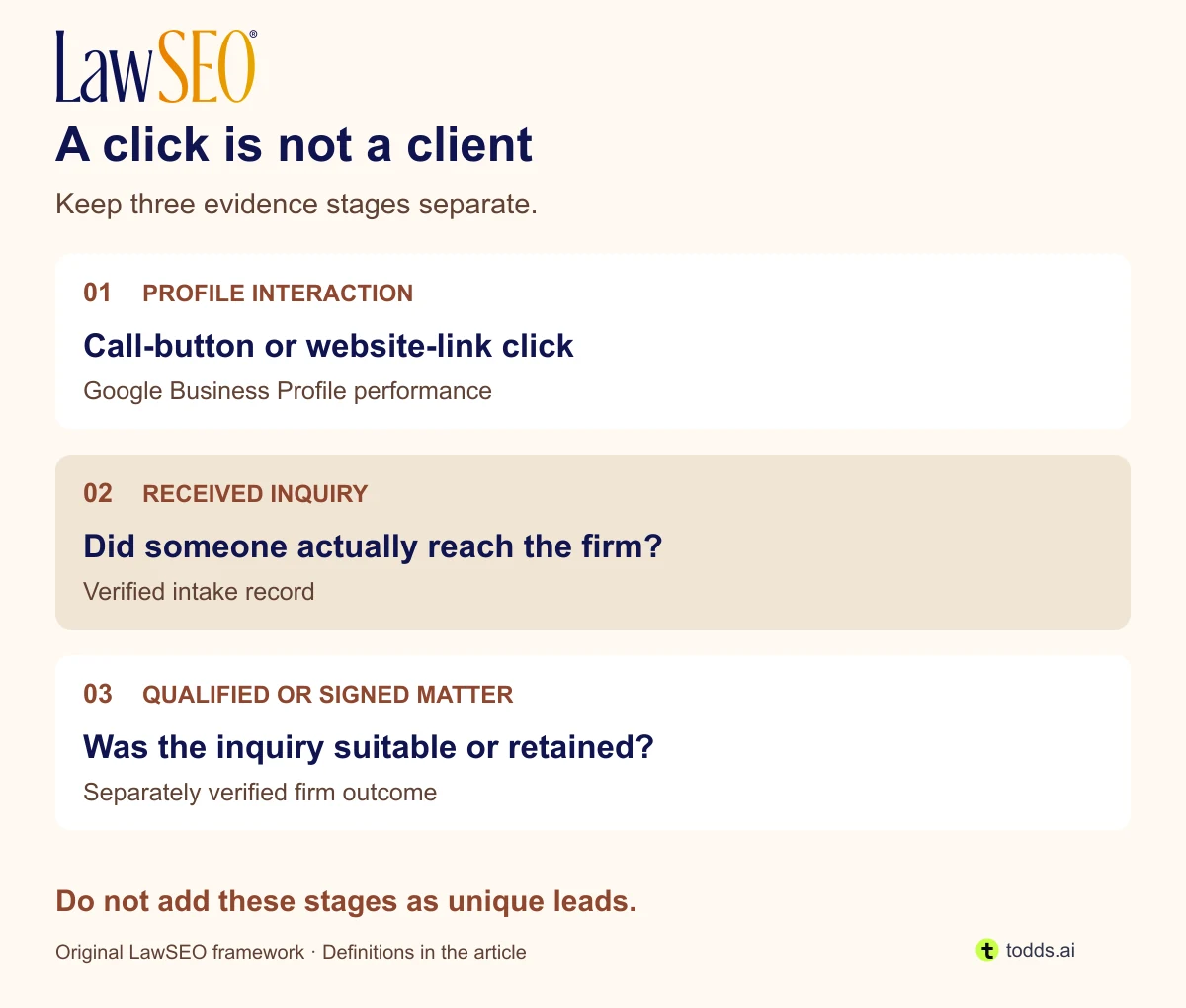
Illustrative example—not a client result: a report contains 12 call-button clicks and eight website clicks. It would be wrong to label the sum “20 new clients.” The same person could take both actions, a click might not produce a conversation, and intake may have no reliable source match. Keep the two measures separate and record what remains unknown.
Before a change, save the relevant profile, period and metric definition. Choose a later review window with comparable coverage, and note changes to advertising, staffing or tracking. A 28-day review can be a practical starting point, but a small sample may need longer. This is a suggested work process, not Google’s reporting requirement.
Google describes local ranking through relevance, distance and prominence, and says better local ranking cannot be bought or requested. Read its local-ranking guidance before treating one search as proof of a market-wide position. Our SEO tools comparison separates profile reporting, website analytics and geographic rank checks.
Make one improvement verifiable
Use the six-check review worksheet to record the observed issue, proposed action, owner, approval and acceptance evidence. It distinguishes a completed correction from a later results review. Keep an item open when access, eligibility or evidence is missing. You can also download the printable worksheet for a team review.
For example, a verified wrong website destination calls for an approved link correction and a fresh test of the resulting page and contact route. It does not call for a new listing. Record the old and approved destinations privately so the team can review what changed. Close the correction only when the agreed check passes.
Questions law firms ask
Is Google Business Profile free?
The profile itself is free. Agency work, optional software and advertising can have separate costs. Agree on the work, account control and evidence of completion before paying for management.
Does every attorney need a separate profile?
No. Assess the firm and practitioner structure using the distinctions above before creating a listing. More profiles are not a substitute for qualifying information.
Does a verified profile guarantee map rankings?
No. Verification and visibility are different questions. Evaluate a relevant search, location and date consistently, and keep profile activity separate from business outcomes.
What should we fix first?
Resolve eligibility and access blockers, then inaccurate information or a broken contact route. After those checks, improve useful content and measurement. The order should respond to a verified problem, not the easiest dashboard score to raise.
This guide addresses general marketing and platform practices. It does not establish compliance with a firm’s professional obligations; the responsible attorney should review applicable rules and proposed communications.
Created with  todds.ai
