

LAWSEO · Practical guide

Meta descriptions for law firm SEO summarize a web page. Write an accurate reason to visit, verify the saved tag and compare actual search snippets. Google may choose different page text.
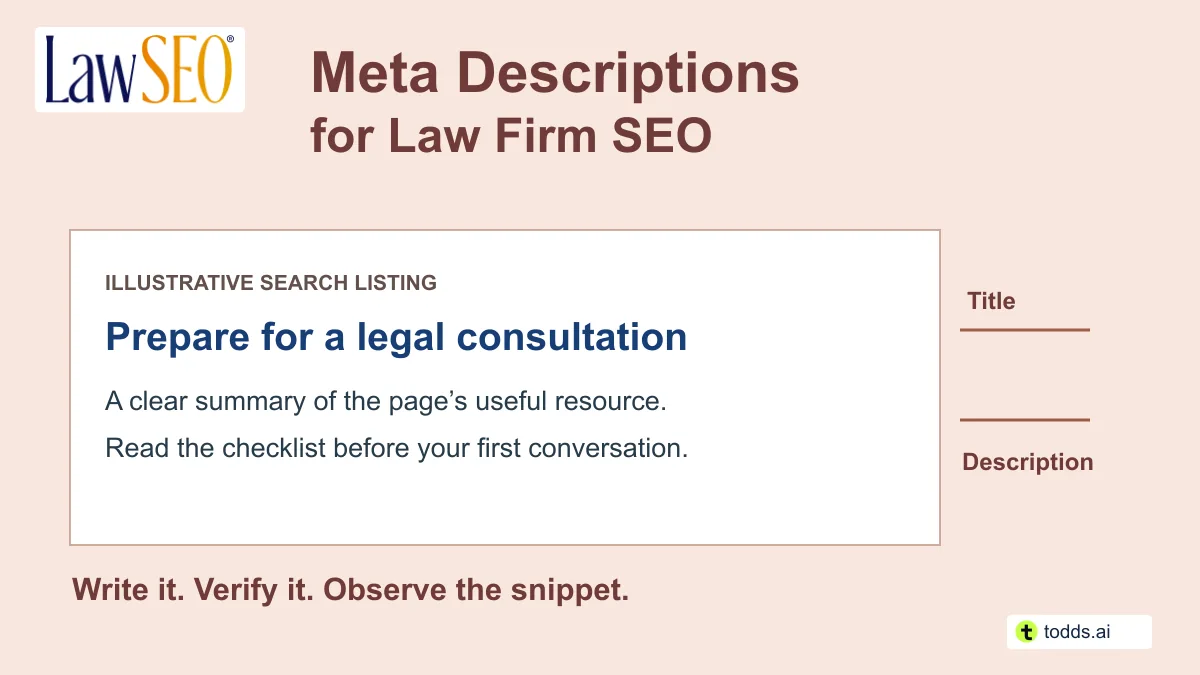
The editing job has two parts: write a useful description and prove that the intended text reached the page. This guide includes original examples, a character-count worksheet and a measurement log. It does not promise a higher rank or a particular click-through rate.
The saved description and the search snippet are different records
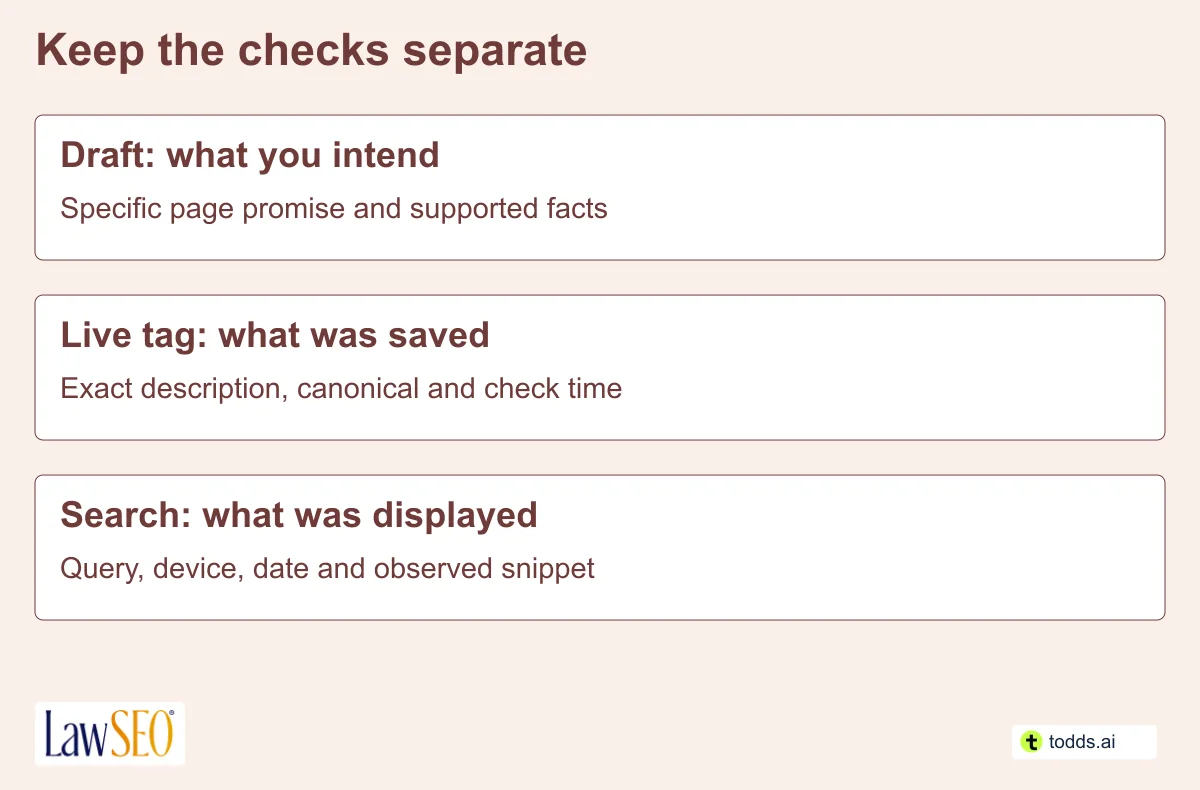
A meta description is text stored in the page’s HTML description tag. A search snippet is the text Google actually displays for a particular search. Google’s Snippet Documentation says it primarily uses page content and may use the meta description when that better describes the page. Different searches can produce different snippets.
Google has no fixed meta-description character limit; displayed text can be shortened to fit the device. A preview or character counter helps you edit, but cannot guarantee what Google will show. Put the important meaning early and make the full description readable.
Do not treat keywords in this field as a ranking shortcut. Google’s Explanation of Keywords and Description Tags states that the description tag is not used as a ranking factor. That statement is from 2009; the current snippet documentation explains how descriptions may be displayed. Our On-Page SEO Guide for Lawyers puts this field in the wider page-review process.
Write from the page’s actual promise
The description must describe what the page is actually about. Open the page before writing the tag. Identify its audience, specific subject and useful next step. Use the target keyword phrase naturally when it accurately names that subject. Include geography when the page genuinely serves or explains that location; a general educational guide does not need an invented local angle. A practice page should describe the real service and location. A guide should explain what the reader will learn. An attorney biography should reflect verified information about that attorney.
- Name the subject. Use the relevant target phrase to identify the service or question, without a string of keywords. Match any geographic wording to the page’s actual scope.
- State a useful detail. Mention a real checklist, process explanation or service boundary that appears on the page.
- Offer the right next step. “Read the checklist” fits an informational page. “Request an appointment” fits only a page with that actual route.
- Remove unsupported claims. Do not add “best,” a result guarantee, an invented experience total or a free consultation that the firm does not offer.
- Read it on its own. The description should make sense even if the reader has not seen the surrounding page.
The responsible lawyer should review advertising claims under the applicable rules. The ABA Model Rule on Misleading Communications is a reference point, not a substitute for jurisdiction-specific review. Use the Ethical SEO Checks for Attorneys to keep the same claim discipline used in the visible article.

A keyword, a city and a CTA are not enough
An AI Overview describing a formula of value proposition, local keyword, call to action and roughly 155 characters leaves out the decisive check: does the destination deliver what the description says? Those ingredients can help when they fit, but they cannot rescue a mismatch. A guide about consultation preparation should describe that guide, not promise a local service or an appointment that the page does not offer.
Todd’s editorial priority is page relevance: the target phrase and relevant geography should help identify the actual content. A clear summary takes priority over forcing a city, sales pitch or fixed character count into every tag.
Three descriptions with different jobs
These are original illustrative examples, not descriptions of a real law firm’s services. Use them only when the destination actually contains the promised information and the relevant claims have been reviewed.
| Page and task | Illustrative description | Check before using |
|---|---|---|
| Consultation preparation guide | Preparing for an estate planning consultation? Use this checklist of documents and questions to organize your first conversation with a lawyer. 143 characters in this example; not a required length. | The promised checklist exists, is usable and has appropriate review. |
| Business contract service page | Explore contract review services for small businesses, the issues a lawyer can help assess, and how to request an initial appointment. 134 characters in this example; not a required length. | The firm provides the service and the appointment route works. |
| Attorney biography | Read this attorney’s practice focus, verified bar admissions and professional background, then find the right contact route for your inquiry. 141 characters in this example; not a required length. | The biography supports each detail and identifies the actual attorney. |
Notice what the examples leave out: predicted outcomes, fabricated awards and urgency that the page does not justify. Add a real location or firm name when it helps identify the page; do not add a city simply because a template has a blank for one.
A useful revision changes the promise
Weak: “Best lawyers. Great results. Call today for all your legal needs.” The reader cannot tell which service or page this describes, and the claims need support.
More useful for the hypothetical guide: “Preparing for an estate planning consultation? Use this checklist of documents and questions to organize your first conversation with a lawyer.” This version names a task and a concrete resource. It still needs the page to deliver that resource.
Try the Meta Description Draft and Verification Sheet. It counts the exact text, records its supporting page evidence and keeps the observed snippet separate. The counter is an editing aid, not a Google limit or a promise that the text fits every display.
Why Todd prefers a click before a call
Todd Stager favors using the description to invite a relevant visit, with an easy-to-find phone number on the destination page:
I prefer not to put a phone number in a meta description. I’d rather describe what the page offers and give the searcher a reason to click through, where they can find the phone number. That visit can be recorded as a search click. If someone reads the number and calls without visiting, we may receive an inquiry without a recorded website click, which can make the results harder to measure.
Google’s Search Console Click Definition concerns clicks from Google to the site. Keep phone inquiries as a separate measure so a useful call is not overlooked simply because it did not involve a website visit.
Check the saved page, then check search
Keep a dated copy of the old tag and the approved replacement. After saving through the site’s normal editor, inspect the live page’s HTML head for the intended description. Check for duplicate description tags, a different canonical URL or a template that overrides the post’s SEO field. An editor preview alone does not verify the public output.
Record the final URL, exact tag text and check time. If a cache is serving an older version, resolve it through the site’s approved process and inspect again. Preserve other SEO fields unless they are part of the reviewed change. The SEO Tools Comparison helps separate a page inspection from performance reporting.
After a substantive refresh, use the correct Search Console property to inspect the canonical and request indexing where appropriate. Google’s Recrawl Guidance explains the request process and its limits. An accepted request does not confirm a crawl, indexing or a particular snippet. Repeating a request does not guarantee faster processing.
Interpret click-through changes carefully
Search Console defines click-through rate as clicks divided by impressions. Use Google’s Search Performance Report Guidance when comparing page, query, country, device and date filters. Changes in ranking, demand, result layout and query mix can all complicate interpretation.
Here is an invented calculation: 20 clicks from 1,000 impressions is 2% CTR; 30 clicks from 1,000 impressions is 3%. That is an increase of one percentage point, or 50% relative to the original rate. It does not prove that the description caused the change. If the later impressions came from different queries or positions, the comparison may be especially misleading.
Use a change log with the old tag, new tag, deployment time, first verified live output and search observations. Record the same filters for both periods and list other changes made during them. If Google displayed different page text, do not present the test as if the proposed description received every impression.
For a small site, start with important pages whose descriptions are missing, misleading or duplicated. Google’s snippet guidance favors page-specific summaries. Our Content Marketing Guide for Lawyers can help resolve a weak underlying answer before metadata work expands.
Questions about meta descriptions for law firm SEO
Should every description contain exactly 155 or 160 characters?
No. Those are editing conventions, not fixed Google requirements. Write enough to identify the page clearly, prioritize the essential meaning and check the actual result.
Why is Google showing something else?
Google may select page text that better matches a particular search. First verify the saved tag and the page’s actual content. A different snippet is not, by itself, proof that the CMS failed.
Can we use one description across every practice page?
A page-specific description is usually more useful. A visitor comparing a probate guide with a commercial contract service page needs to understand the difference.
Does a new description require a new URL?
No. Keep the established canonical when the page’s purpose remains the same. Changing a description does not create a reason to move the page or introduce a redirect.
 Created with todds.ai
