


Claim and verify your firm’s Bing Places listing now, using a dedicated business Microsoft account. Phone verification is usually the fastest route, email comes next, and postal mail is the slowest. A complete, verified listing puts your firm in front of searchers on Bing and the engines that draw on its data, and it gives AI assistants accurate details to cite.
TL;DR:
- Use a Microsoft account dedicated to the firm, match the listing phone to your website exactly, and choose phone or email verification over postal mail.
- For multiple offices, give each location its own listing, address, and phone number, and choose a specific practice category over a generic lawyer label.
- Import an existing Google Business Profile to cut errors, then confirm Bing verification and review categories, hours, and descriptions; audit profiles monthly or quarterly.
- Small firms should monitor listings weekly, respond factually, disclose material connections in review requests, and never fabricate reviews or imply case outcomes.
How do you create or claim your law firm’s Bing Places listing?
Start by signing in at Bing Places with a Microsoft account that belongs to the firm, not to one attorney’s personal email. A shared business account keeps access intact when staff change. Microsoft’s add and manage your business listing pages describe the full flow, including the phone, email, and postcard verification options.
- Sign in with the firm’s business Microsoft account and search for your firm by name and address to see whether a listing already exists.
- If a listing appears, choose “Claim this listing.” If nothing appears, choose “Add a new listing.”
- Enter the full legal business name exactly as it appears on your website and bar registration, plus the complete street address.
- Add the phone number your website displays, character for character. A mismatch is the most common reason verification stalls later.
- Select a primary category that maps to your main practice area, such as “Personal injury attorney” or “Estate planning attorney,” rather than a generic “Lawyer” label when a specific one exists.
- Before submitting, search again for duplicates under old addresses, former firm names, or individual attorney names. Duplicates split your visibility and complicate verification.
- Start verification and pick the fastest method offered for your listing.
Plan on a short setup session for a single-office firm. Multi-office firms should repeat the process location by location, each with its own phone number and address.
What do you do when Bing Places verification fails?
Most verification problems trace back to a small set of causes, and each has a practical fix. Bing’s own help for managing listings points to postal verification as the most failure-prone method, so lean on phone or email whenever you are offered a choice.
- Phone failures: The number on the listing must exactly match your website and other directories. Phone systems with auto-attendants, extensions, or call screening can block the automated verification call, so answer from a direct line if you can.
- Postcards that never arrive: Mail to suites and shared buildings gets lost. If the card has not appeared within the delivery window Bing states, request a replacement right away instead of waiting.
- Already-claimed listings: Gather proof of ownership, such as your business registration, a utility bill showing the firm’s address, and evidence that you control the website. Then follow the dispute steps inside Bing Places.
- Email verification: When it is available, expect it to take some time.
Pro Tip: Before you start verification, call your own main number from a cell phone to confirm it rings through to a person, not a voicemail tree that never connects.
How do you import and sync from Google Business Profile?
If your firm already has a verified Google Business Profile, importing it saves time and cuts data-entry errors. Bing Places offers an import option during setup.
- Start the import flow in Bing Places and grant permission to pull your Google Business Profile data.
- Check verification status afterward. Google verification sometimes carries over and auto-verifies the Bing listing, but not always, so confirm instead of assuming.
- Review every imported field. Categories, hours, and descriptions can map imperfectly between platforms.
- Schedule a regular manual audit, monthly or quarterly, so changes made on one platform do not drift out of sync with the other.
- If you use a third-party listing manager to centralize updates, remember you still need to maintain verification on each provider’s own platform.
What should a law firm optimize in its Bing Places profile?
Treat the profile as a compact, compliant version of your website’s contact page. Our local SEO checklist for law firms covers the items to keep consistent across every listing, and the Bing-specific points are below.
- Categories: Choose precise primary and secondary categories that reflect your core practice areas. Avoid unverifiable superlatives such as “best” or “top-rated” in any field.
- NAP consistency: Your name, address, and phone number must match across Bing, your website, and other major directories. Even “Suite” versus “Ste.” variations can create doubt.
- Photos: Upload an office exterior, reception area, and attorney headshots. Leave out client images and anything showing intake forms or case files.
- Services: List discrete practice areas and how people can reach you for an initial consultation. Never promise or imply case outcomes.
- Hours and appointments: Keep both accurate. Enable messaging only if someone can answer promptly, because an ignored message looks worse than no option at all.
Bing distributes listing data beyond its own results. According to Statista’s search engine market share data, Bing’s distribution reaches other engines, so one verified listing can extend your reach to Yahoo and DuckDuckGo as well.
How can you manage reviews and messages without breaking advertising rules?
Attorney advertising is governed by state ethics rules, and review practices fall under that umbrella. Clio’s overview of lawyer advertising rules notes that ABA Model Rule 7.2 permits paying for online directory listings, but lawyers must avoid misleading claims and follow FTC guidance on endorsements and disclosures. Our guide to ethical SEO for attorneys goes deeper on the trust side.
- Respond to reviews professionally and factually. Never comment in a way that implies results or guarantees.
- Never fabricate reviews, offer to post them on a client’s behalf, or hide a material connection. This is high-risk conduct under FTC guidance.
- If staff or vendors help gather reviews, disclose material connections and keep records of what was requested and when.
- Set an internal monitoring cadence, weekly for small firms, and limit listing access to authorized staff.
How does Bing Places support AI-driven discovery?
A complete, verified profile improves the odds your firm surfaces in Bing results and in the engines that rely on Bing’s local data. AI assistants increasingly lean on verified local information, so the quality of your listing feeds directly into whether you get mentioned.
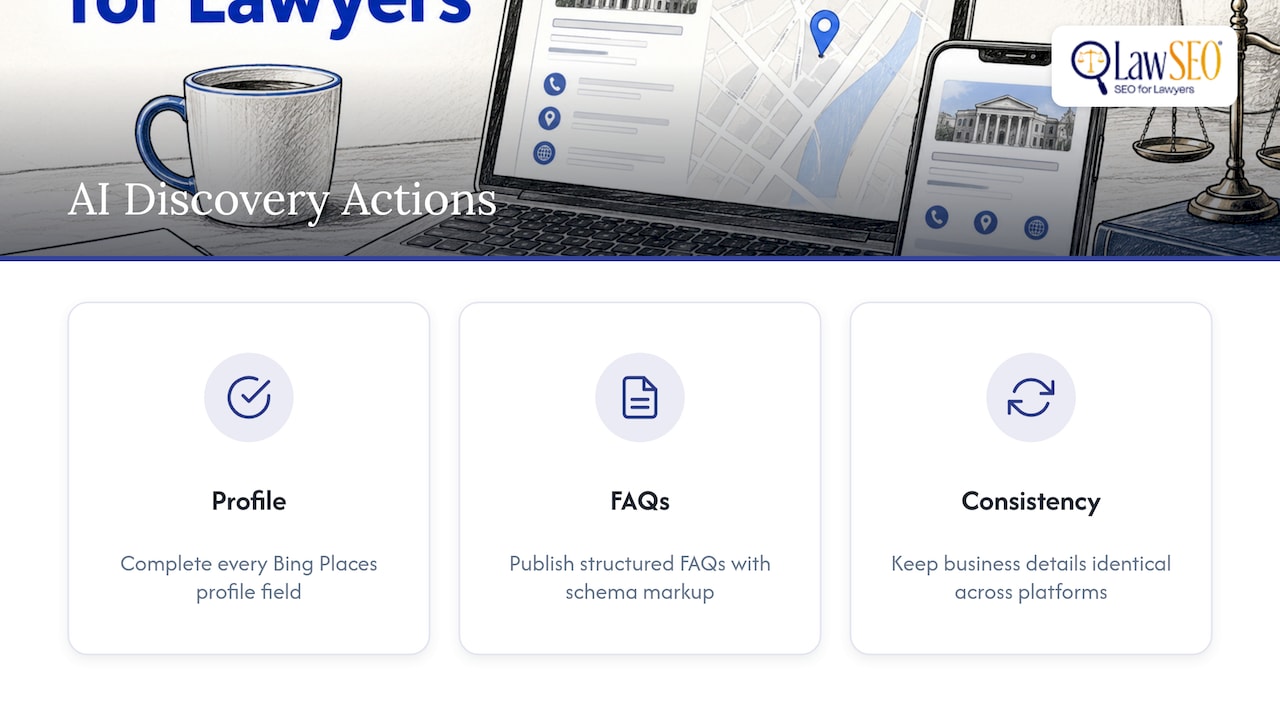
Three practical actions help most. Keep every profile field complete. Publish structured FAQs on your own site, with schema markup, that answer the questions prospective clients ask. And keep your details identical across platforms, because inconsistency is what makes a machine hesitate to cite you. Our overview of AI search optimization for law firms explains how these signals work together.
Why Bing Places is low effort and high impact
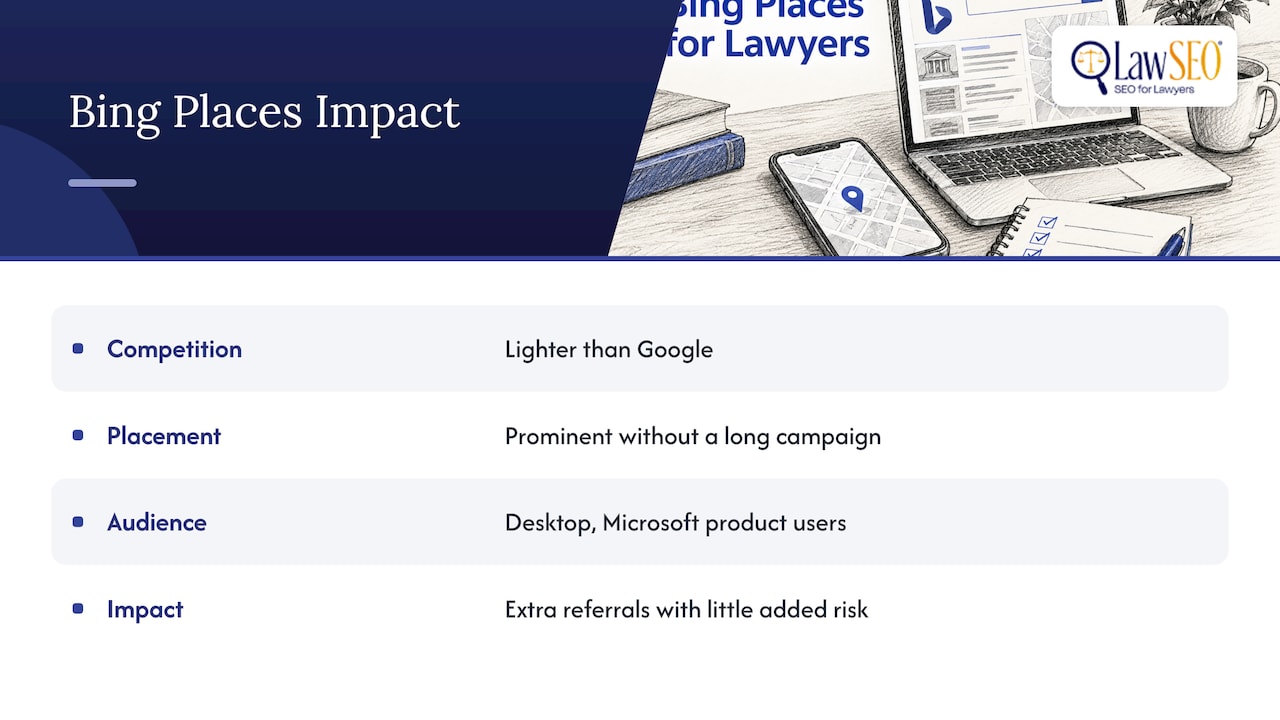
We consider Bing Places as part of local visibility work for attorneys. Competition there is lighter than on Google, so an accurate, verified listing can win prominent placement without a long campaign. Search Engine Land’s guide to Bing users reflects the same view among local SEO practitioners.
Keep expectations realistic. Bing adds incremental visibility, especially on desktop and among people who default to Microsoft products. Pair it with a compliance-first approach and it becomes extra referral traffic with little added risk.
— TODD
How can we help with your Bing Places listing?
Bing Places is one piece of the local visibility work we do for attorneys. Our local SEO and listing optimization services cover the full process, and every change we make is reviewed against attorney-advertising rules before it goes live. Here is what we handle for Bing Places:
- Claim and verification support
- NAP audits across directories
- Profile optimization
- Review strategy
- AI visibility work
The easiest next step is a listings audit or consultation, which gives you a prioritized action plan for your firm. Contact us through our services page to schedule it.
FAQ
How can I get listed on Bing Places?
Sign in to Bing Places with a business Microsoft account, then search for your firm. Choose “Claim this listing” if it exists or “Add a new listing” if not, enter your name, address, phone, and category, and complete verification.
How can I verify my business on Bing Places?
Bing offers phone, email, and postcard verification, as described in Microsoft’s listing documentation. Phone is usually fastest and postal mail slowest, so choose phone or email when available.
What are the top lawyer websites?
Which sites rank highest varies by practice area and location, so there is no single fixed list. Local directories and map listings, including Bing Places, tend to matter most for reaching nearby clients.
What is the 80/20 rule for lawyers?
It is a general business idea that a small share of clients or activities produces most of the results. For local visibility, it means a few well-maintained listings and profiles usually matter more than dozens of neglected ones.
