

TL;DR:
- Law firms face rising cyberattacks mainly due to governance failures, not outdated technology.
- Implementing strong authentication, role-based access, and certified hosting are essential security steps.
- Ongoing testing, staff training, and vendor risk management are critical for maintaining cybersecurity.
Law firms are high-value targets. Cyberattacks have doubled year over year, with 25% of firms reporting breaches driven primarily by ransomware and phishing. Yet most incidents trace back to governance failures, not outdated technology. If your firm stores client communications, case files, or financial records online, you have a legal and ethical obligation to protect that data. This checklist breaks down exactly what you need to do, in clear, practical steps tailored for law firm owners and managers who want to close security gaps, satisfy compliance requirements, and keep their firm’s reputation intact.
Key Takeaways
| Point | Details |
|---|---|
| MFA and access control | Multi-factor authentication and role-based permissions are essential to block most attacks and meet compliance standards. |
| Certified secure hosting | Your web host should offer encryption, regular backups, and hold recognized security certifications for legal data. |
| Ongoing testing and training | Continuous technical testing and staff education greatly reduce the risk of both external and internal breaches. |
| Vendor diligence | Always vet all vendors and plugins with legal-specific contracts and breach notification clauses. |
| Governance over gadgets | A culture of accountability and regular reviews will protect your firm more effectively than just buying new tools. |
Establish strong authentication and access controls
With growing threats as the backdrop, the first place to start is where attackers always probe first: your login points. Weak credentials and open admin panels are the front doors cybercriminals walk right through. Securing authentication is the single highest-impact step you can take.
Building a solid access control framework involves several layers working together. Use this numbered checklist to work through each one systematically:
- Enforce strong password policies. Require a minimum of 12 characters, including uppercase letters, numbers, and symbols. Mandate password changes every 90 days. Enforce strong password policies and multi-factor authentication for all admin panels and client portals.
- Enable multi-factor authentication (MFA) everywhere. MFA, which requires a second verification step beyond a password, blocks 99.9% of automated credential attacks and aligns with ABA Model Rule 1.6, which requires reasonable efforts to prevent unauthorized disclosure of client information.
- Apply role-based access controls. Not every staff member needs access to every system. Implement access controls and role-based permissions, particularly for client portals or contact forms that collect sensitive data. Grant only the minimum privileges each role requires, a principle known as least privilege.
- Audit permissions quarterly. Review who has access to what, and revoke credentials from former employees or vendors immediately. Document every change for your compliance records.
- Use an enterprise password manager. Tools like 1Password or Bitwarden generate and store complex, unique passwords for every system, removing the human tendency to reuse credentials.
“Access control failures are consistently among the top causes of website breaches. A firm can have excellent technology but still be exposed if a single admin account uses a weak password.”
Pro Tip: Pair your password manager with a single sign-on (SSO) system for your firm’s internal tools. This reduces password fatigue while keeping login security high.
Understanding legal website security basics is the foundation before you layer on more advanced controls, and learning how HTTPS for law firms works will reinforce every authentication measure you put in place.
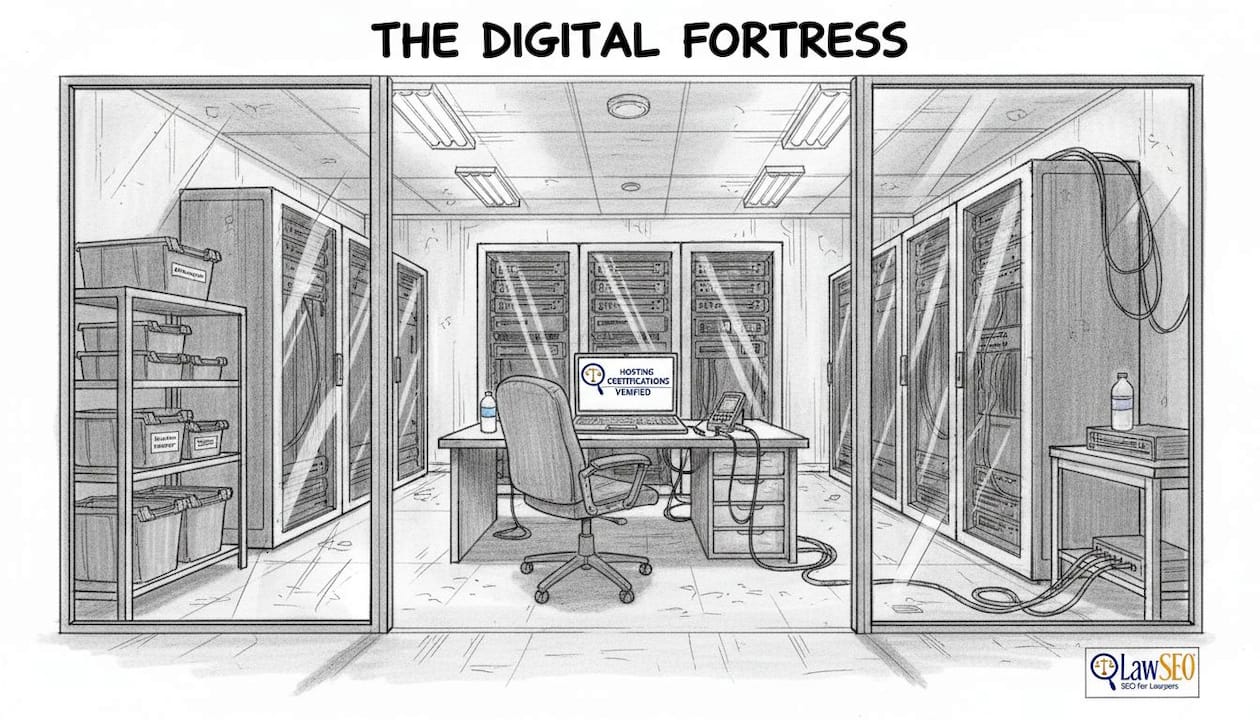
Secure your infrastructure and data with certified hosting
Once access is controlled, the next crucial layer is fortifying your website’s underlying infrastructure. Choosing the wrong hosting provider is one of the most common and most consequential mistakes law firms make.
Here is what to look for and require from any hosting vendor:
- SOC 2 or ISO 27001 certification. These are industry-recognized security standards. Use secure hosting with SOC 2 or ISO 27001 certifications to ensure your vendor meets legal-grade security requirements.
- Encryption at rest using AES-256. This standard encrypts stored data so it is unreadable even if physically accessed. Require it for all databases and file storage, not just data in transit.
- Encrypted daily backups with offsite storage. Backups should be immutable, meaning they cannot be altered or deleted by ransomware. Test recovery procedures at least annually to confirm you can restore data quickly.
- Incident monitoring and defined recovery time objectives. Ask your vendor: how fast will you detect a breach, and how quickly can you restore service? Get those answers in writing.
- HIPAA and GDPR alignment where applicable. If your firm handles health law matters or serves international clients, you may need HIPAA compliance protocols including Business Associate Agreements and encrypted audit logs. GDPR requires breach notification within 72 hours.
Statistic to know: The average cost of a data breach in the legal sector exceeds $4.4 million, making proactive infrastructure security far less expensive than recovery.
Pro Tip: Before signing any hosting contract, ask the vendor for their last third-party security audit report. Reputable providers share these without hesitation.
Reviewing privacy policy essentials for your firm’s website is an important companion step, and selecting a secure web designer who understands hosting security requirements will save you significant headaches later.
Test and monitor: Penetration testing, vulnerability scans, and staff training
Once fundamental technology is secured, security is not set-and-forget. It is an ongoing process that requires both technical testing and investment in your people.
| Control type | Examples | Recommended frequency |
|---|---|---|
| Technical | Penetration testing, vulnerability scans, patch management | Every 6 months minimum |
| Human | Phishing simulations, security awareness training, incident drills | Every 6 months minimum |
| Administrative | Policy reviews, access audits, compliance documentation | Quarterly |
Here is the action sequence for ongoing testing and training:
- Schedule penetration testing twice a year. Penetration testing, where ethical hackers attempt to breach your systems, surfaces vulnerabilities before attackers do. Conduct regular penetration testing and vulnerability assessments at least twice yearly, and document findings for compliance audits.
- Run vulnerability scans monthly. Automated scanners check for unpatched software, misconfigured servers, and known exploits. They are fast, inexpensive, and effective as a first line of detection.
- Simulate phishing attacks on your staff. Phishing causes 68% of data breaches. Running simulated phishing emails teaches staff to recognize threats before they click on real ones. Conduct these drills at least every 6 months.
- Train all staff on incident reporting. Every person in your firm should know exactly what to do if they suspect a breach: who to call, what not to touch, and how to document what happened.
“Firms using endpoint detection and response (EDR) tools reduce the average breach response window by 108 days, a difference that can be the margin between a manageable incident and a catastrophic one.”
Aligning your security testing program with the NIST Cybersecurity Framework gives you a recognized maturity model for measuring progress over time. It is also worth reviewing how accessibility impacts your website, since accessibility and security audits often surface overlapping technical gaps.
Manage third-party risk: Vendors, plugins, and incident preparedness
Beyond your internal operations, what about the tools and partners you trust with your firm’s data? Third-party risk is one of the most underestimated attack surfaces in legal technology.
| Vendor type | Key due diligence checks |
|---|---|
| Web hosting provider | SOC 2/ISO 27001 cert, encryption, SLA, breach notification |
| CMS plugins and themes | Update frequency, vulnerability history, developer reputation |
| Website developers | Contract terms, data access scope, NDA, breach response plan |
| Legal software integrations | API security, data residency, compliance certifications |
| Email and communication tools | Encryption in transit, spam filtering, two-factor support |
Use this checklist when evaluating any vendor:
- Apply the ABA Vendor Cybersecurity Checklist as your baseline. Vet third-party vendors using structured cybersecurity questionnaires before signing any contract.
- Require contracts that include a 24-hour breach notification clause. If a vendor is breached and your client data is exposed, you need to know immediately.
- Limit the number of active plugins on your website. Every plugin is a potential vulnerability. Remove any that are unused, abandoned, or infrequently updated.
- Review vendor access at least annually and revoke credentials when engagements end.
Pro Tip: Check each plugin’s changelog before installing it. Vendors that patch reported vulnerabilities within 48 to 72 hours signal a security-conscious development team.
Exploring web design tools security in depth will help you evaluate which platforms carry acceptable risk levels for a legal environment.
Our take: Why governance is the real differentiator for law firm cybersecurity
After reviewing hundreds of law firm security setups, the pattern is clear. Most firms that suffer serious breaches were not running ancient software or skipping firewalls. They were missing clear policies, accountable owners, and consistent follow-through.
Technology is necessary, but it is not sufficient. A firm can purchase enterprise-grade security tools and still be exposed because no one is assigned to review the audit logs, or because a departing associate’s credentials were never revoked. That is a governance failure, not a technology failure.
The firms that maintain the strongest website security strategy treat cybersecurity the way they treat client conflicts: with structured processes, documented decisions, and clear accountability at every level. They hold quarterly reviews, assign a security lead (even if it is a managing partner), and build incident reporting into firm culture, not just firm policy.
Buying better tools without fixing the underlying governance is like installing a deadbolt on a door with no frame. The real competitive advantage in 2026 belongs to firms that treat security as an ongoing management discipline.
Protect your firm’s reputation and clients with expert support
If you are ready to move from checklist to action, working with specialists who understand both law and technology accelerates results. At LawSEO.com, we support law firms in building secure, high-performing websites that satisfy compliance requirements and rank competitively in search. Our team understands legal SEO strategies from the ground up, including the technical foundations that protect your clients and your reputation. Whether you need a full security review, a website rebuild, or guidance on SEO explained for lawyers, we are ready to help you move forward with confidence.
Frequently asked questions
What is the most common cause of website breaches in law firms?
Phishing causes 68% of data breaches in law firms, followed closely by weak access controls and unpatched third-party plugins. Credential theft through deceptive emails remains the attacker’s easiest path in.
How often should law firms update their website security controls?
Audit permissions quarterly and conduct full vulnerability testing at least twice a year. Password policies and MFA settings should also be reviewed on a quarterly cycle to catch any gaps.
What certifications should law firm web hosting providers have?
SOC 2 or ISO 27001 certifications are the standard benchmarks for legal-grade hosting security. Also verify that providers use AES-256 encryption at rest and maintain tested, regular backup protocols.
How should law firms handle international or health-related client data?
Firms handling health matters must follow HIPAA compliance requirements including Business Associate Agreements and audit logs. International client data triggers GDPR obligations, including mandatory breach notification within 72 hours.
Is MFA really necessary for law firm websites?
Yes. Enabling MFA blocks 99.9% of automated login attacks and satisfies the reasonable efforts standard required under ABA Model Rule 1.6. It is one of the highest-return security measures available.